In v4 we’re using the MQTT connection less, so I didn’t notice (though monitoring was squeaking!) that I broke the client connectivity. It is used for the “ad hoc NTP check” feature and for the first sanity check when adding a monitor, so that breaks when there are no more v3.8.6 monitors.
Upgrading to v4.0.5 fixes it (I upgraded a few monitors so the features above should work again).
Whoops – @avij is right it’s only in the testing repository. I forgot to hit “publish” to promote it as a proper build. It should be in the repositories now, and on
Up and running IPv4 only. Tell me what you expect.
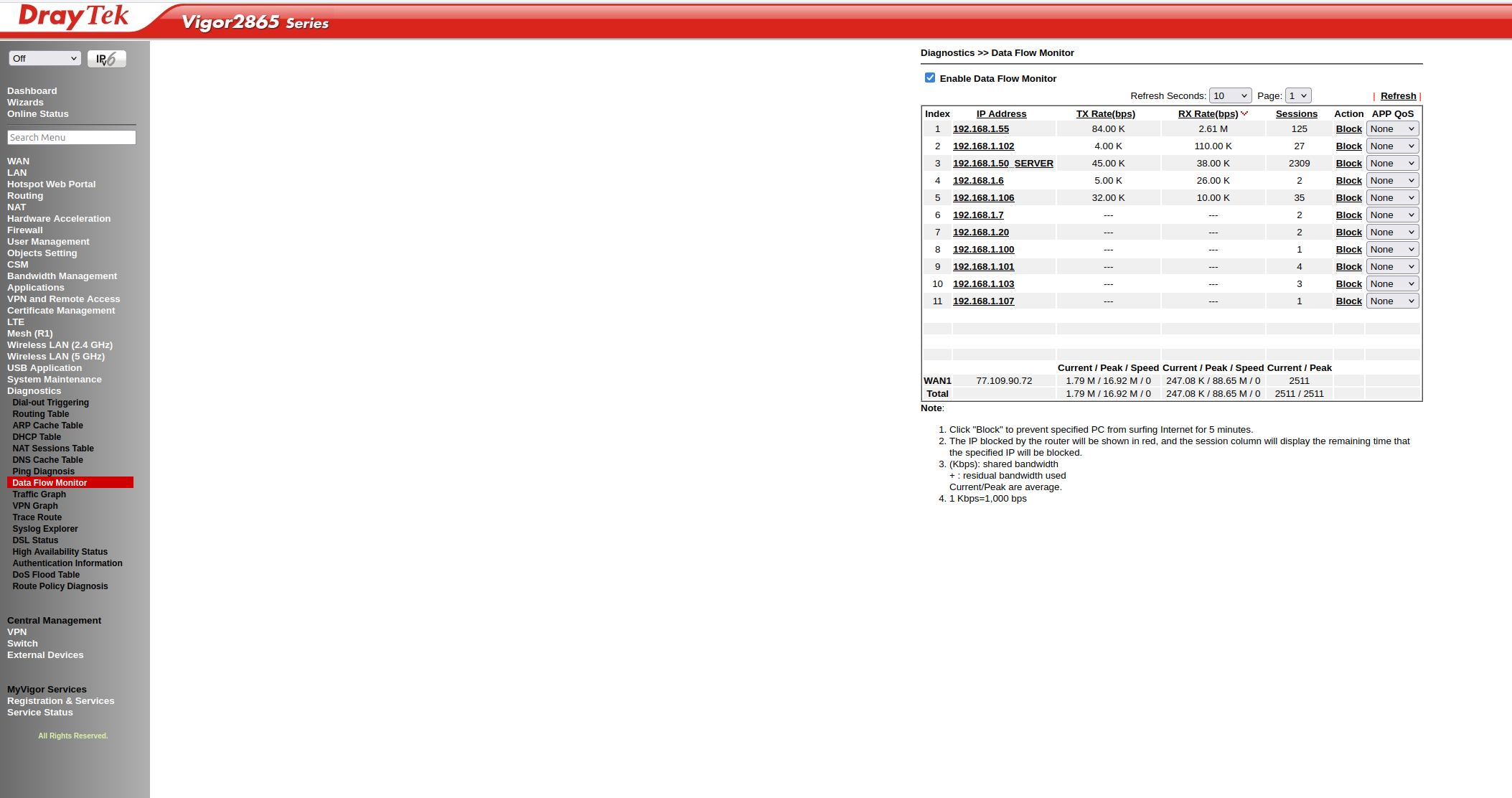
As I have a new router, DrayTek and it CAN handle the requests, where the Fritzbox failed.
2 monitors in production, like the new system a lot!
But 1 remark, I tried to install from the github, but the apt-source was missing, maybe a good idea to link to it or mention it in the readme. Other then that, great job!
DrayTek seems to handle the load fine….where the Fritzbox started to crawl within the hour of running.
I’m using a MikroTik RB3011 router myself for the NTP in Leuven, Belgium. It can do 2 million pkts/s with connection tracking. MikroTik has a so-called fasttrack function that offloads most of the network stack to hardware. As of now, my NTP does on average 1500 pkts/s so that’s “pocket change”
I’ve observed a large number of “local-check failure” related warnings in the ntppool-agent log, as well as occasional “local clock might not be okay”.
I think the reference time source used by the ntppool-agent is too far away from my location.
Is it possible to adjust the max offset limit based on the latency instead of hard-coding it to 10ms?
I did notice the use of some reference serverson the other side of the world from me, and most are in Europe. Among the servers used, the one at Cloud Flare is any cast, so the NTP request is routed to a nearby server. Perhaps additional any cast servers that do not do leap second smearing should be used, such as the one at Apple, so that more nearby reference servers are used.
Those “local clock might not be okay”, are those for a production or test monitor? IPv4 or IPv6? Because oddly enough, on my own “remote” monitor I get those warnings only for IPv6 and almost exclusively for the test monitor. My /var/log/messages started yesterday at midnight and there are now 451 entries for “local clock might not be okay” for env=test ip_version=v6, but only 1 for env=prod ip_version=v6, and none for ip_version=v4.
These are the typical numbers for a production and test local checks:
Note that even though 3 failures out of 8 (prod) is a tighter requirement than 4 failures out of 9 (test), I still get more “local clock might not be okay” errors for the test environment. Maybe the pool of reference NTP servers from which the reference time sources are picked is different between production and test.
Here are my top offset reference clock entries:
grep “offset too large” messages | grep env=test | grep version=v6 |cut -d" " -f11 | sort | uniq -c | sort -rn
I’ve observed offsets between +15ms and -38ms, and the target server’s latency is between 180ms and 240ms. I think the offset is normal for this latency.
If the upper limit isn’t determined by latency, I think 50ms is an acceptable value for my environment.